
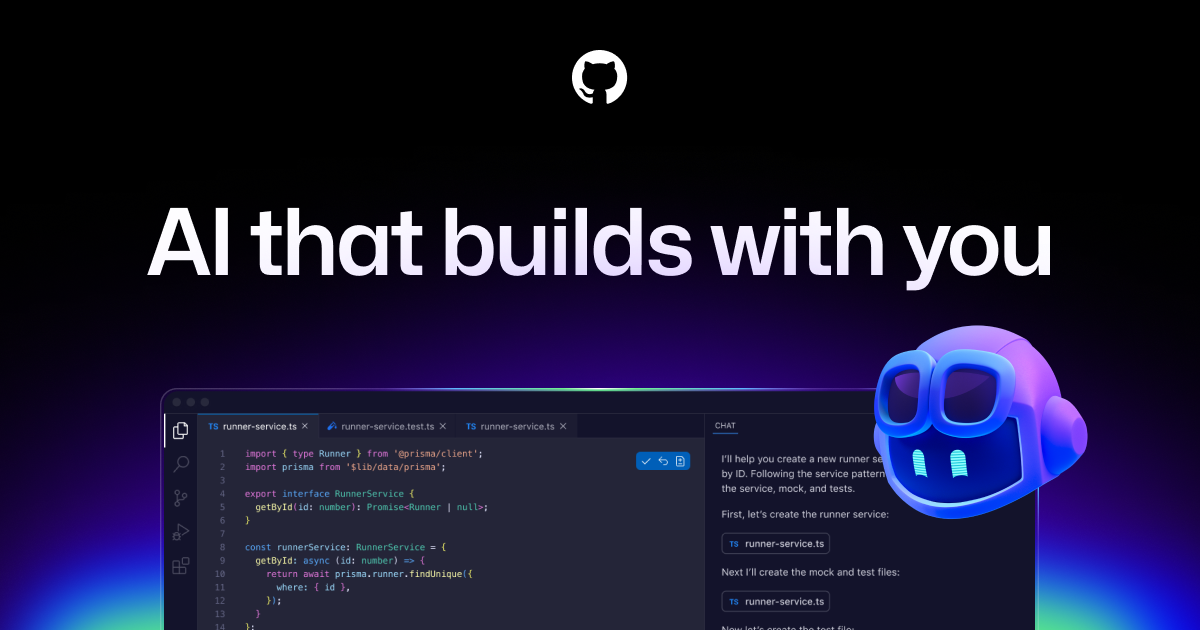
GitHub Copilot is GitHub’s AI coding assistant, offering inline code completions, chat-based help, and an agent mode that can autonomously carry out coding tasks. It works across editors including VS Code, integrates with GitHub’s pull request and desktop workflows, and includes a terminal-based Copilot CLI, with support for multiple underlying AI models depending on plan.
Who It’s Best For
Copilot’s free tier and $10/month Pro plan suit individual developers, students, freelancers, and open source maintainers who want AI coding help without a large budget. Higher tiers, Pro+ at $39/month and Max at $100/month, unlock premium models and higher usage for developers who rely on it heavily, while Business ($19/user/month) and Enterprise ($39/user/month) plans add organization-wide deployment for teams and companies.
How It Can Be Used
- Getting inline code suggestions and completions while writing code
- Chatting with Copilot in the editor or on GitHub.com to explain or debug code
- Using agent mode to autonomously carry out multi-step coding tasks
- Getting AI-assisted code review on pull requests
- Running coding tasks from the terminal via Copilot CLI
FAQ
What is GitHub Copilot?
GitHub Copilot is an AI coding assistant from GitHub, a Microsoft company, that provides code completions, chat, and agentic coding help across supported editors.
What is GitHub Copilot used for?
Developers use it for inline code suggestions, explaining code, automated code review, and increasingly for agent-driven coding tasks.
Does GitHub Copilot have a free plan?
Yes. The Free plan includes 2,000 completions per month, access to select models, and Copilot CLI, with no credit card required.
Who should use GitHub Copilot?
Individual developers, students, open source maintainers, and teams already using GitHub who want AI coding assistance built into their existing workflow.
What are alternatives to GitHub Copilot?
Cursor is a direct alternative offering AI-native code editing. Other tools commonly compared include Amazon Q Developer, Tabnine, Windsurf, and JetBrains AI Assistant.
See more in our AI Tools hub.